Retail POSM Printing in Malaysia: What to Check Before Printing for Supermarkets, Pharmacies & F&B Counters
Planning POSM for a supermarket shelf, pharmacy counter or F&B promotion? Learn what to check before printing so your display fits the space, supports customer decisions and avoids wasted budget.
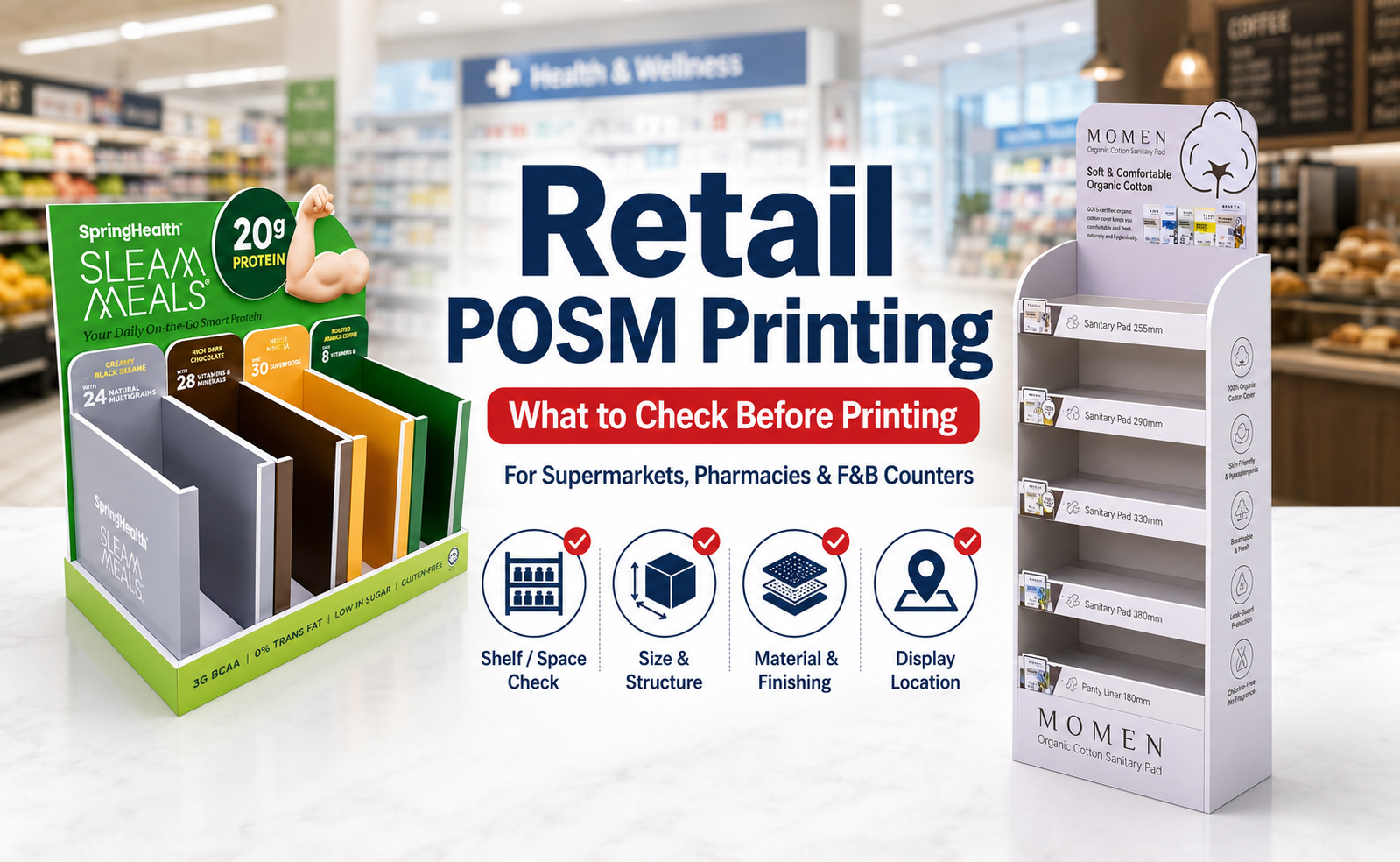
Retail POSM Printing Malaysia
Quick Answer
A POSM item can look good in the design file, but still fail at the outlet if it is too big, blocks the shelf label, looks too messy, or does not match how customers shop in that space.
Before printing retail POSM, confirm where it will be placed, the space size, placement rules, and whether you can use tape, hooks, counter displays or replaceable inserts.
Then decide whether to use shelf talker, wobbler, counter display, promo board, flyer or another POSM item.
Print After You Check the Retail Space
Many POSM problems happen because the item is printed before the outlet space is confirmed. The printing may be correct, but the display still cannot be used properly.
CHECK 1
Where exactly will it be placed?
Shelf edge, cashier counter, product aisle, table, wall, fridge area or promo corner.
CHECK 2
Is there a size limit?
A nice display becomes a problem if it is too tall, too wide or blocks other products.
CHECK 3
Can you stick, hang or stand the item?
Some outlets may not allow tape, adhesive, hooks or certain display stands.
CHECK 4
Will it block price tags or shelf labels?
In supermarkets, blocking the price area can cause the POSM to be removed.
CHECK 5
Is it for one outlet or many outlets?
If every outlet gives different space, one fixed size may not fit all.
Same Product, Different Retail Space, Different POSM
One artwork can follow the same brand direction, but the layout should change based on where customers see it. A design that works on a roadshow table may be too crowded for a supermarket shelf.
Supermarket POSM: Don’t Block the Shelf
In supermarket shelves, POSM should help customers decide faster, not make the shelf harder to read. The biggest mistake is printing something that blocks price tags, shelf labels or neighbouring products.
Pharmacy POSM: Clear Beats Loud
For pharmacy displays, too much “sales noise” can make the product look less credible. Keep the message clear, organised and easy to trust.
F&B Counter POSM: Don’t Slow Down Ordering
For F&B, the customer usually wants to order quickly. Your POSM should make the set, price, add-on or QR menu easier to understand.
Fixed vs Replaceable: This Is Where You Save Cost
Not everything should be printed permanently into the main display. If the offer changes often, separate the fixed brand content from the changing promo content.
Common Retail POSM Mistakes
1. Printing before checking outlet approval.
The POSM may look nice, but the outlet may not allow that size, placement or adhesive method.
2. Using one artwork everywhere.
Supermarket shelf, pharmacy counter and F&B cashier area need different layout priorities.
3. Putting too much text on wobblers.
Wobblers are for quick attention, not full product explanation.
4. Making pharmacy display too loud.
For healthcare, supplement or beauty products, a clean display may convert better than a noisy one.
5. Printing price and promo date permanently.
Once the campaign changes, the whole POSM may become unusable.
6. Blocking cashier or ordering flow.
A display that interrupts payment, ordering or product pickup may be removed quickly.
For Faster Retail POSM Quotation, Send Us:
Send the important details in one message so the printing team can suggest the right POSM item faster.
Product and outlet details: product category, retail space photo, display location, outlet size limit if available, and number of outlets.
Campaign details: promotion message, fixed content vs replaceable content, quantity and deadline.
Artwork details: artwork file or reference design.
Logistics details: collection or delivery location, and whether you need installation or self-setup.
READY TO PRINT?
Need POSM for Supermarket, Pharmacy or F&B Promotion?
If you are preparing POSM for a supermarket shelf, pharmacy display, F&B counter, cashier area or retail promotion, Vonx Printing can help you plan practical materials based on the space and campaign message.
Send us your product category, retail space photo, display location, promotion message, quantity and deadline. We can suggest whether to use shelf talker, wobbler, counter display, promo board, flyer or other retail POSM materials.
You can also read our POSM Printing Malaysia guide if you want a broader overview of retail display materials.
Get a Quote WhatsApp Retail POSM DetailsRetail POSM Printing FAQ
1. What should I check before printing POSM for a supermarket?
Check the shelf space, size limit, whether the POSM can be attached, and whether it will block price tags, shelf labels or neighbouring products.
2. Can I use the same POSM design for supermarket, pharmacy and F&B counter?
You can keep the same brand direction, but the layout should be adjusted. A supermarket shelf needs quick comparison, a pharmacy display should look clean and trustworthy, and an F&B counter should help customers order faster.
3. Should I print price and promo date directly on the POSM?
If the price or promotion changes often, use a sticker, insert or small replaceable card. This helps you reuse the main POSM for future campaigns.
4. Which POSM is suitable for supermarket shelves?
Shelf talkers and wobblers are commonly used for supermarket shelves. Shelf talkers can explain one clear benefit or offer, while wobblers are better for short attention messages like New, Promo or Best Seller.
5. What POSM works better for pharmacy products?
For pharmacy products, clean product cards, brochures, counter displays, tester labels and QR code signs can work well. The display should look organised and easy to trust, not overly crowded.
6. What should I prepare before asking for retail POSM printing quotation?
Prepare your product category, retail space photo, display location, outlet size limit, promotion message, quantity, number of outlets, artwork file and deadline.