Roadshow Printing Checklist in Malaysia: What to Print Before Customers Stop, Ask and Buy
Planning a roadshow or product launch? Learn what to print for walk-by attention, offer explanation, product display, customer follow-up and on-site orders — without overspending on items that may not improve ROI.
QUICK ANSWER
Roadshow printing should help people stop, understand and follow up
A roadshow can have many people walking past, but that does not mean they will stop. Your printed materials should not only make the booth look full. They should help customers quickly understand what you sell, what the offer is and what to do next.
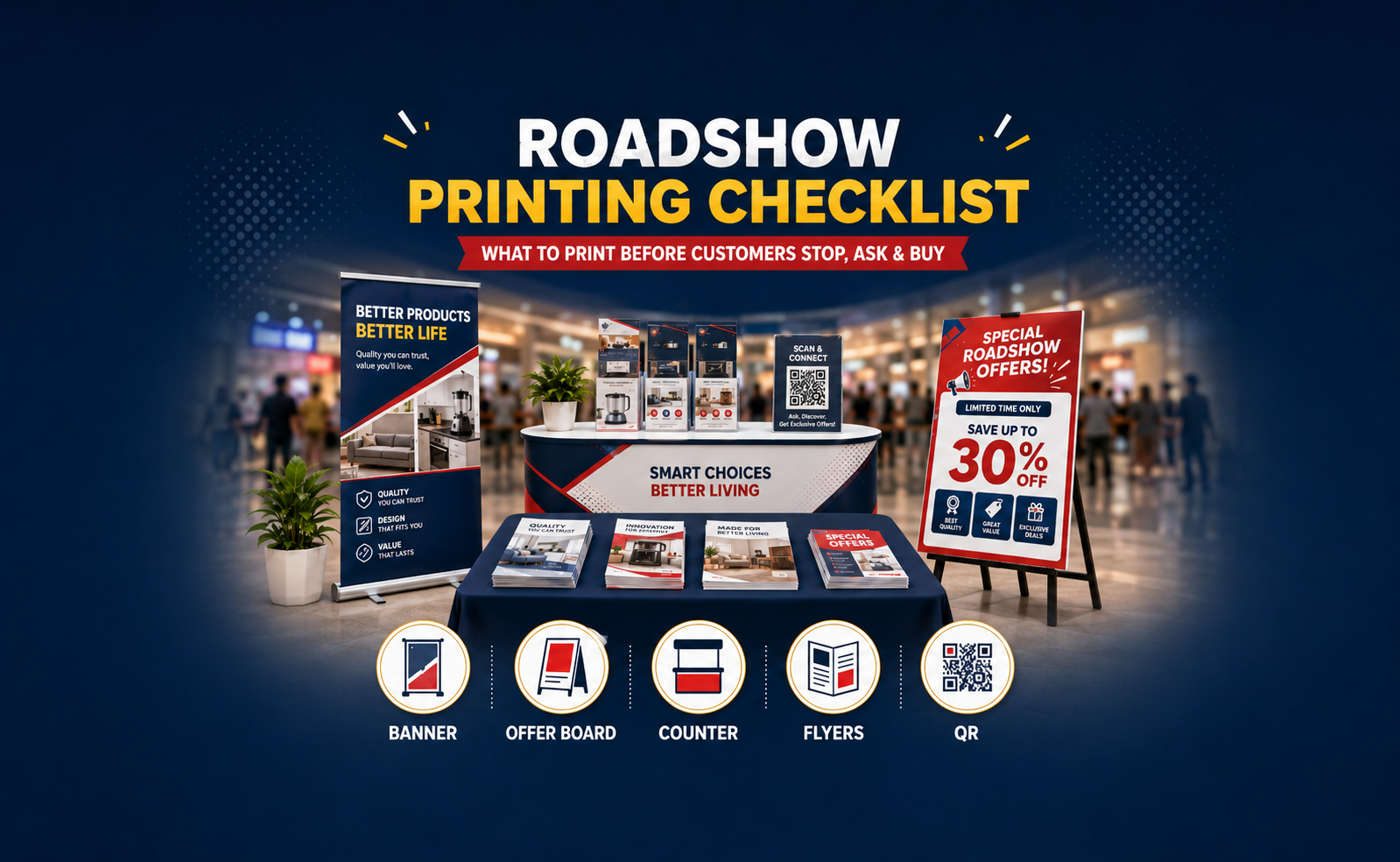
Start with one clear big visual, one clear offer board and one follow-up item. Add counter displays, sampling trays, product mockups or extra POSM only when they support the actual sales flow.
Plan Roadshow Printing in 3 Simple Questions
STEP 1
What should people understand from far away?
Use a banner, bunting, backdrop or standee to show the brand, product category and one reason to come closer. Do not use the biggest visual to explain every package detail.
STEP 2
What question will customers ask again and again?
Put repeated answers on an event board or foam board. Price, package, QR code, free gift, redemption step and promo period should be easy to see.
STEP 3
What should happen after they leave the booth?
Prepare flyer, brochure, name card, QR card, voucher, bill book or order form so interested customers can contact, order or come back later.
Roadshow Printing Map: What to Print at Each Moment
Use this as the simple map. After this table, the important part is not to add more items blindly, but to use each item properly.
Don’t Put Everything on the Backdrop
A backdrop, banner or bunting is mainly for far-distance recognition. It should make people understand who you are, what category you sell and why they should walk closer.
It should not become a large brochure. If you put too many prices, packages, QR codes, small terms and product details on the backdrop, people may not read anything clearly.
Better setup: use the backdrop for brand and campaign presence. Use an event board or foam board for price, package, QR code and offer details.
Use Event Board to Reduce Repeated Questions
If your staff keeps answering the same question every few minutes, that answer probably belongs on the event board. This makes the booth easier to understand and lets your team focus on real selling.
Your Table Display Should Sell, Not Store Stock
A common roadshow mistake is treating the table as storage. When boxes, products, flyers and random items are all placed together, customers need more effort to understand what they are looking at.
A counter top display, sampling tray or product mockup should help the product look easier to understand. It should not block the price board, QR sign or salesperson’s working space.
Table check: if customers need to ask “what is this?”, “how much?” or “can I try?”, your table labels and display are not clear enough.
Flyer, Name Card and Voucher Must Have a Next Step
Small printed items are not just for giving out. They should tell customers exactly what to do after they leave the booth.
Simple rule: a flyer without a next step is just paper. A flyer with QR, deadline and offer can bring customers back after the roadshow.
If Budget Is Limited, Print These First
Do not start by printing everything. Start with the items that remove the biggest confusion at the booth.
Once the basic flow is clear, then consider extra items such as counter top display, sampling tray, product mockup, photo area or interactive activity.
Do You Really Need a Digital Booth?
TV screens, games, popcorn machines and digital activities can attract attention, but they can also increase cost quickly. Before adding them, check whether your printed sales flow is already clear.
- Can people tell what you sell from far away?
- Can they see the offer without asking?
- Can your team explain the package quickly?
- Can customers scan, register, order or contact you later?
- Can the booth still work if the digital activity is removed?
For smaller campaigns, printed POSM may be enough: a QR challenge board, foam board game, photo backdrop, enlarged product mockup, offer board or reusable standee can sometimes replace a more expensive activity idea.
Save Cost: Separate Reusable Branding and Changing Offers
If your brand message stays the same but the roadshow offer changes often, do not print everything into one large display. Keep the main brand display reusable and print short-term details separately.
Cost-saving tip: print the brand part once if it can be reused. Put the changing offer on a foam board, insert card, sticker, QR card or smaller POSM.
Roadshow Printing Setup by Budget
These setups are not fixed packages. Use them as a starting point based on booth size, campaign goal and how much your staff needs to explain.
Mistakes That Waste Roadshow Budget
1. Printing a big backdrop, but the offer is not clear.
The backdrop attracts attention. The offer board explains the deal. Do not expect one backdrop to do both jobs well.
2. Giving out flyers with no clear next step.
Add WhatsApp, QR code, promo deadline, catalogue link, redemption step or appointment link.
3. Spending on activities before fixing the sales flow.
If the offer board, flyer, QR code and order process are unclear, extra activities may not improve ROI.
4. Printing everything too big.
Some booths have limited space. Large items can block movement, hide the table and become hard to transport or store.
5. Not preparing order forms or bill books.
When the booth gets busy, customer details, deposit, delivery notes and package selection can easily go missing.
6. Printing short-term offers into reusable display items.
If the date, price or campaign QR changes often, keep it on a replaceable board, card or sticker.
Send Us These Details for Faster Roadshow Printing Quotation
Send the important details in one message so the printing team can suggest practical roadshow materials faster.
How Vonx Can Help
Vonx Printing can help prepare roadshow printing materials based on your booth size, product type, promotion message, budget and deadline. We can suggest what to print first, what can be reused and what should be kept simple.
This is useful for mall roadshows, product launches, in-store promotions, sampling booths, exhibition counters and retail campaigns in Malaysia, including Selangor, Kuala Lumpur, Balakong and Seri Kembangan.
If you are still deciding which POSM item is suitable, you can also read our POSM printing guide. If your design was created using AI or Canva, check our AI POSM design to print guide before sending the file for printing.
READY TO PRINT?
Need Roadshow Printing Materials?
Send us your booth size, product photo, promotion message, event date and budget range. We can suggest practical roadshow materials based on your space, sales flow and deadline.
Get a Quote WhatsApp Roadshow DetailsFinal Thoughts
The best roadshow printing setup is not always the setup with the most items. It is the setup where every printed material has a clear job.
Use big visuals to stop people, event boards to explain the offer, table displays to organise products, and small printed items to support follow-up. This helps you avoid overspending on materials that look nice but do not help customers decide.
Roadshow Printing FAQ
1. What should I print for a basic roadshow?
For a basic roadshow, start with one big visual, one offer board and one follow-up item. This can be a bunting or roll-up banner, foam board offer, flyer or QR card, name card and simple table label.
2. Is foam board useful for roadshows?
Yes. Foam board or event board is useful for showing offers, packages, QR codes, price comparison or campaign steps. It helps customers understand the deal without crowding the backdrop.
3. Do I still need flyers or brochures for roadshows?
Yes, especially for customers who are interested but not ready to decide immediately. A flyer or brochure should include the offer, QR code, contact details, promo deadline and a clear next step.
4. Why do I need name cards at a roadshow?
Name cards help customers contact the correct person later. They are useful for B2B buyers, shop owners, procurement staff or customers who want to compare first.
5. Should I print reusable roadshow materials?
If your brand message stays the same, reusable materials can save cost. Keep the backdrop or brand display general and print changing offers separately on foam board, smaller POSM, voucher cards or QR cards.
6. Do I need a digital booth or TV screen for a roadshow?
Not always. Digital items can attract attention, but they may not improve results if your offer, QR code, product display and follow-up materials are unclear. Fix the printed sales flow first before adding expensive activities.
7. What should I prepare before asking for roadshow printing quotation?
Prepare your roadshow date, booth size, product type, promotion message, budget range, artwork file, quantity, delivery or collection location and whether the materials are one-time use or reusable.